Latest in mac
Mac | Find the best tips, tricks, troubleshooting guides, and opinions on Mac devices.

Mac | Find the best tips, tricks, troubleshooting guides, and opinions on Mac devices.

How to Delete QuickTime Player History on Mac. 1) Launch QuickTime 2) Select File > Recents 3) Click on Clear Menu to delete History.

Here's how to enable Bonjour on Mac, Choose Printer Sharing or Scanner Sharing in system preferences. Now, select device to share bonjour

Discover how to run apps as an administrator on Mac to access root privileges and perform critical tasks. Running an app as an administrator will allow the

Press the "F8" key to hide the cursor on mac . You might have to press Fn + F8 depending on your mac settings.

There are three ways to open .lnk files on mac. Use the TextEdit app or you can use Third-party apps to open lnk files on mac.

Here is how you can change Date and time on Mac using Terminal. Launch Mac Terminal and type sudo systemsetup -setusingnetworktime off

Here are the there ways to extract EXE files on mac. 1) Use WinBottler 2) Use KEKA File Archiver 3) Use Parallels for Desktop
Here's how you can disable adobe genuine software integrity service on mac. Go to finder and in applications click on adobe

To run bat file on mac, Firstly, Make the bat file on mac using terminal and then run it using the terminal or you can also use Winbottler.

Well, in such a scenario, worry not because in this blog, we will cover a detailed guide on how to open TIF files on Mac. On top of that, we will also discuss
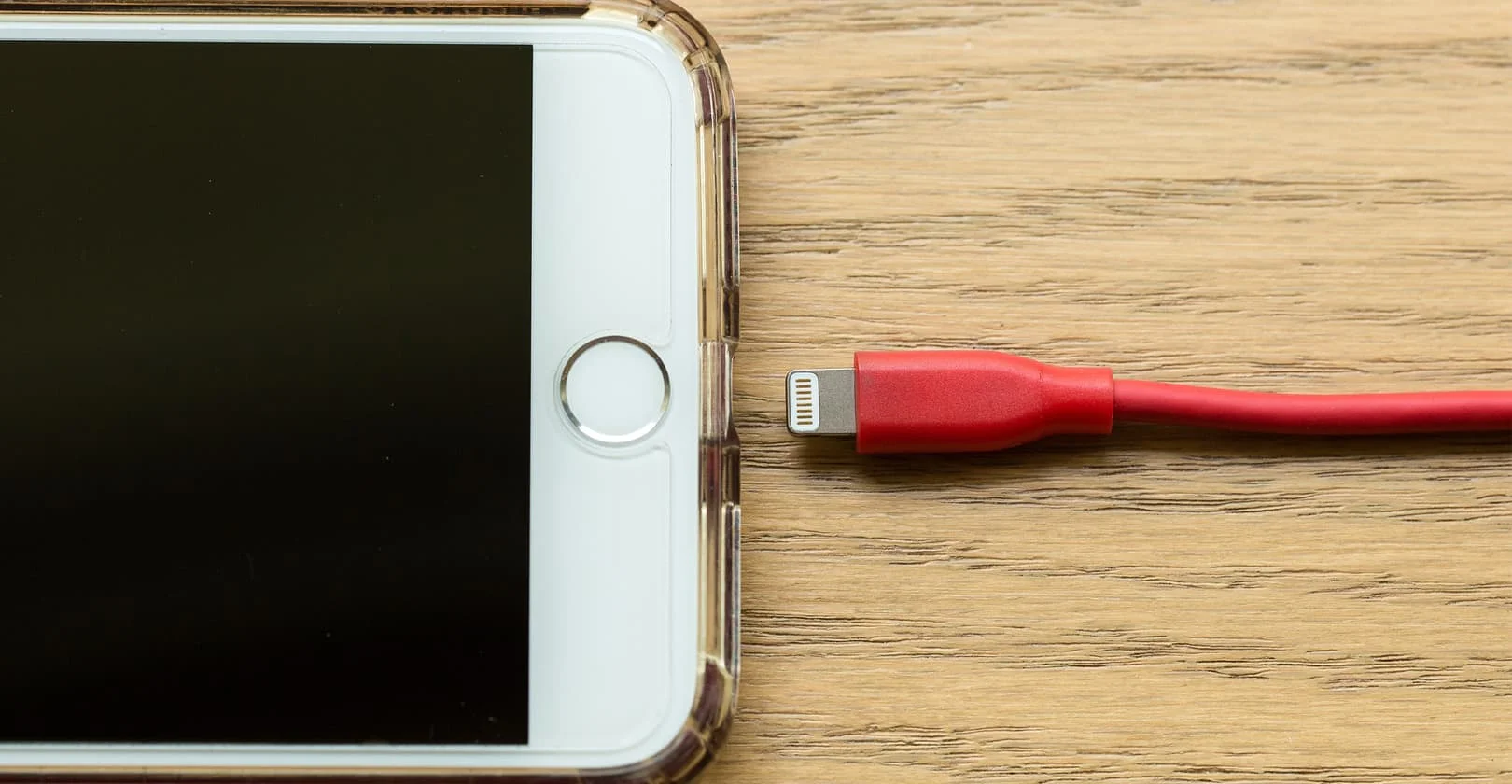
From cleaning your charging port to hard resetting your iPhone, in this guide, we will go over different ways to fix iPhone charging port not working.
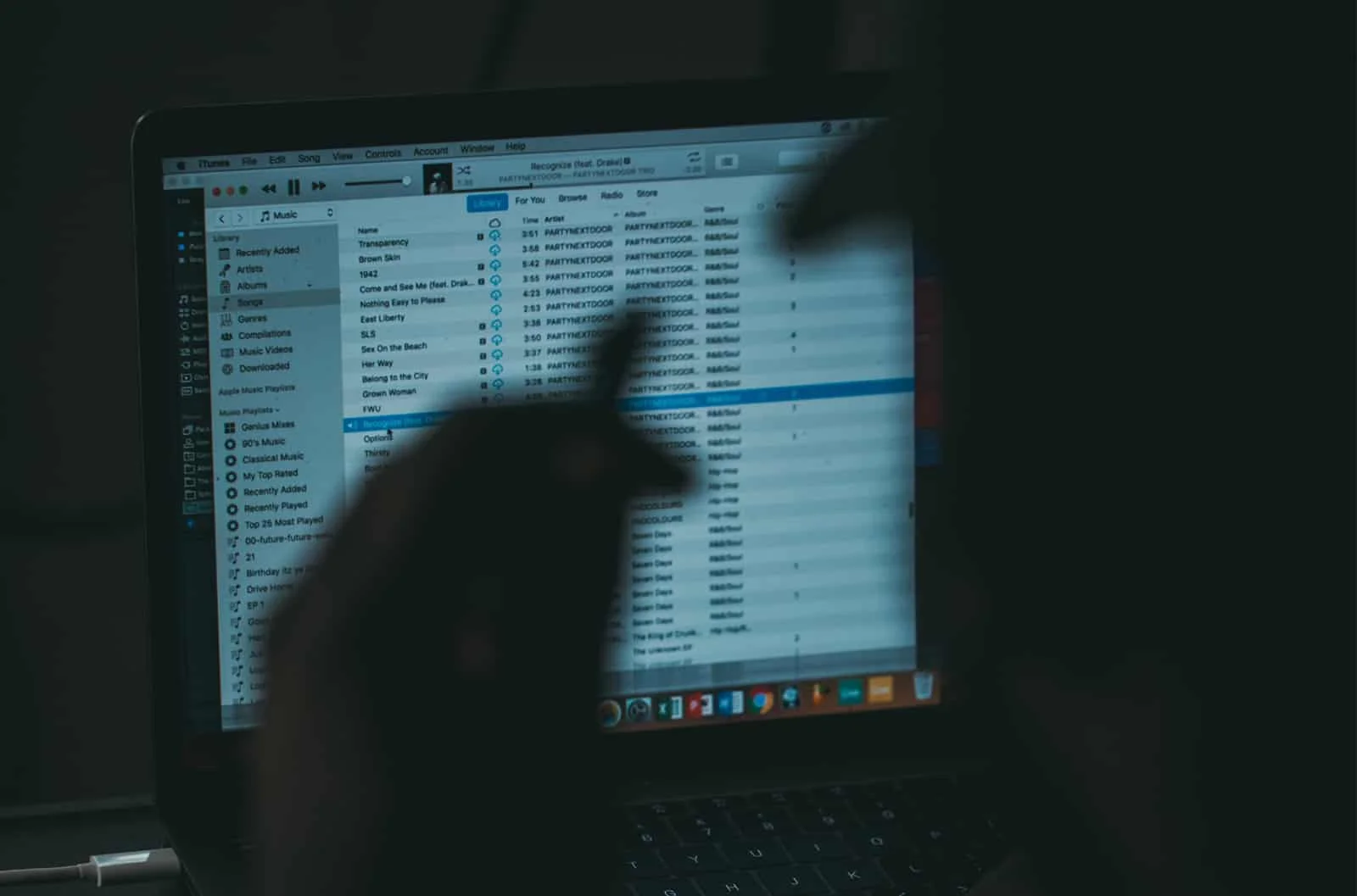
Here's the Easiest Method to Delete Songs on iTunes Mac. Also learn how to reset iTunes on Mac and sync your iPhone with Mac.

Check out two different and easiest methods to delete FaceTime Calls on Mac. Also, you can turn off FaceTime or change settings on Mac.
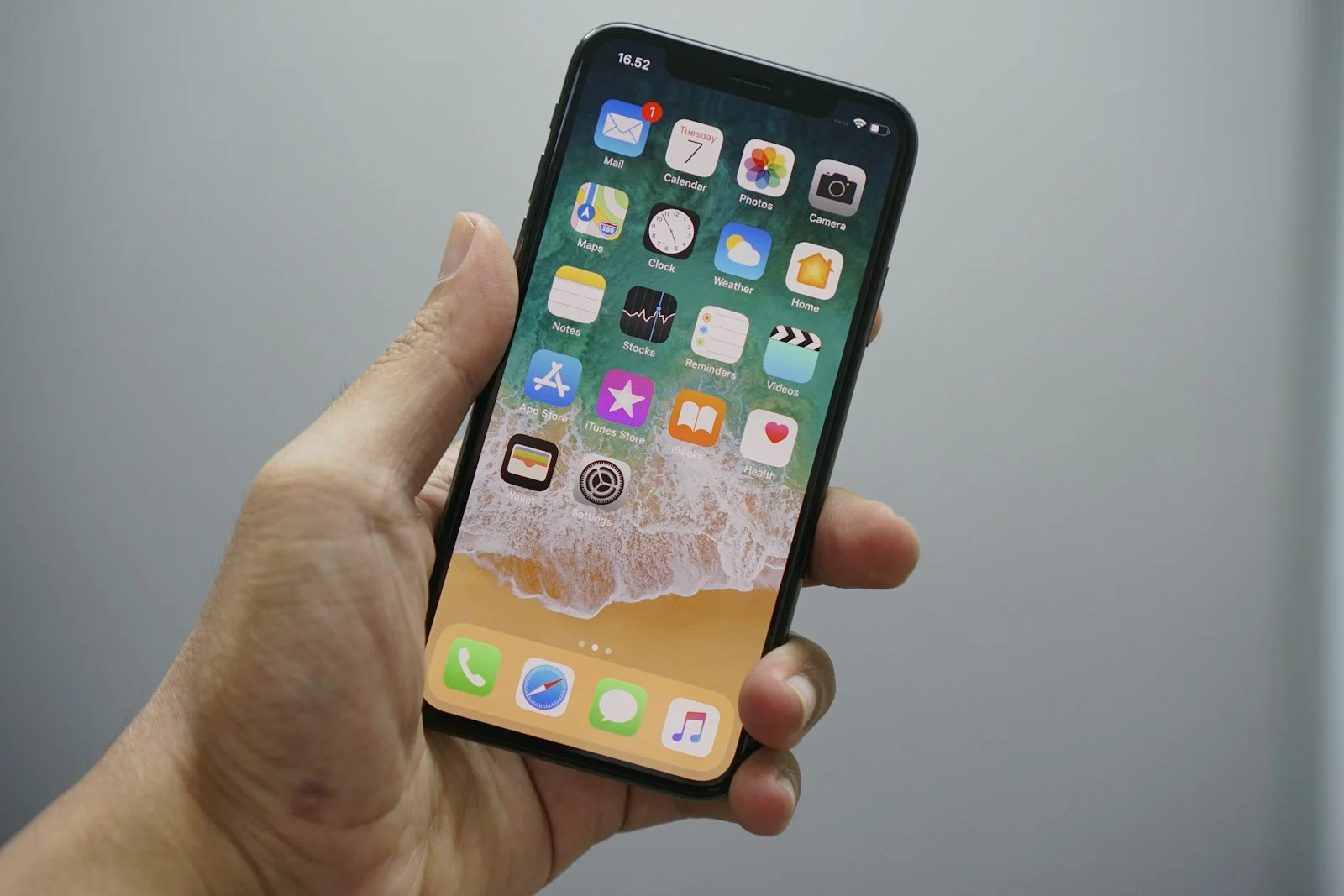
Let’s first discover how to update photo library on Mac, and then move on to why you should do so. We will also talk about some incredibly amazing tips to

Why you should turn on FileVault Disk Encryption in mac. Read the Pros and Cons and learn how it protects your sensitive data.

Here's how you can uninstall Turbotax on mac 1) Uninstall it Manually 2) Uninstall it Using Third-Party Application.
Here is how you can view iPhone photos on mac without importing them using iCloud. You have to enable iCloud photos on both iphone and mac.
To clear clipboard on mac paste this command "pbcopy < /dev/null" in the Terminal. Restarting your Mac will also clear the clipboard.
There are some third-party tools available that can bypass DRM protection and allow Mac users to download Disney Plus movies on Mac. In this article, we will
To italicize on Mac, Select the words in your document and press the Command + I. You can also try Markdown or HTML methods to italicize on Mac
There are different ways and third-party software to open OLM file on Mac. Rather than attempting to directly open an OLM file, a more practical approach
Closing GarageBand on your Mac is essential to free up system resources. After completing your music project, press Command + Q to close GarageBand on Mac. If
This guide will teach you how to show seconds on Mac clock. Also, you'll learn how to change the time format on Mac and put a clock widget in the Notification
Have you used stickers on your Mac as an art lover or as a mark of identification, and now you want to remove stickers from Mac? Here's how to do that.
Text formatting is essential when organizing or editing text files or documents, and using Strikethrough on Mac to format text on applications like Microsoft
How to add frequently visited sites on Mac. Follow the article to add websites in the favourite section of your browser.
Here's How to reset terminal on mac. Open the terminal and select Hard Reset under the Shell option from the top menu of the desktop.
What is Flash Storage on Mac? To know the different aspects of flash storage, you can follow this guide.
If you're using Zoom for video and audio calls and want to mute Zoom on Mac to listen voice of some other app then you can follow this guide. Zoom provides
If you are looking for a shortcut that can duplicate a tab on Mac with the same website in the same browser then you can read this article. The process is
This option is not available in the latest Mac. Let's see what is remote disc on Mac and how you can use it.
In this guide, we will see how to type infinity symbol on Mac, Windows, iOS, and Android. As there is no dedicated key or method to type infinity symbol on Mac.
Here's how to change scroll Direction on Mac. Select system settings from Apple Logo. Select Scroll & Zoom Tab in Trackpad.
If you are wondering where are voice memos stored on Mac, then it's really easy to find them using a single command in the finder. You can browse the voice
There are 5 different method to type bullet points on mac. The most easiest one is to press the Option + 8 to type bullet point on mac.
If you use Word on Mac, you may need time to type squared on Mac. Many symbols, numbers, and shapes are difficult to type on Mac. Many professionals and
Press the Shift key + refresh icon in the browser to refresh page on mac OR press Command + Shift + R to perform hard refresh on any browser.
Did you ever hear about the bash word in the world of Mac? If you heard it then you may want to know where is Bash_Profile in Mac. Bash profile is widely used
Follow these steps to connect iPhone to Mac without USB. 1) Connect via airdrop 2) Apple Airplay 3) Apple Ecosystem 5) Network File Sharing
Some of the most anticipated macos sonoma features are 1) Desktop Widgets 2) Slow Motion Screensavors 3) Improvements to Video Conferences
There are six different methods to fix Airpods sound muffled on mac. 1) cleaning Airpods 2) Charging Airpods 3) Codec Settings
Here's how you can change Time Zone on mac. Go to system preferences and select date & time option. Select Time zone and change it.
There are two ways to save word document to desktop on mac. 1) Use the Save option of MS Word 2) Using the Shortcut keys of keyboard.
Here' s how to make icons bigger on mac. Hit Command + J to open view options on desktop and drag the slider to change the size of icons.
You can charge MacBook without charger by using these methods. 1) Use a C-Type Cable 2) Use a Power Bank 3) Use a Portable Solar Charger
You can disable adobe background processes on mac using these three methods 1) Force Quit Adobe app 2) Disable adobe CoreSync
You can make excel default on mac by right-clicking on the file and go to get info. now, select the excel app under open with drop-down.
To change directory in terminal on mac, you can use CD command in terminal to navigate between your folders or files.

Follow these methods to delete movies from mac and free up your space 1) Using the Finder 2) Using iTunes 3) Using Apple TV

There are 4 different methods to backup notes on mac. 1) use iCloud to backup notes 2) Export Notes as a PDF 3) Copy notes into RTF documents

Here's how to Reset Admin Password on Mac With Terminal. Type resetpassword in terminal to start the recovery assistant.
Here are the two Best and easiest methods to Delete iMovie on Mac. 1) Deleting it Manually 2) Deleting it via Third-Party Application
Here is the easiest method to Change Dock Color on Mac. Also, you will learn how you can customize your dock with 9 different styles.

Here are three best methods to open PUB Files on Mac. 1) Convert the Format 2) LibreOffice 3) Using an Online File Converter
Here is the easiest method to uninstall Honey on Mac on different browsers. Uninstall Honey from Chrome, Firefox, Safari and Opera.

In this article, we will discuss the .WPS file extension and see how you can open WPS file on Mac. Let’s get started.

Now you may be wondering, what if I want to change hostname on Mac to something else? Well, if that’s the case, then you’re in luck because this blog covers a
This article will discuss one of these plugins and see how to uninstall VST plugins on Mac. Let’s get started.
Here are three easiest methods to uninstall Avira on Mac. 1) Using Application Folder 2) Using Avira Uninstaller 3) Using Third-party application
This blog covers a detailed guide on how to connect Wii Remote to Mac, ways to disconnect it, and how to sort connecting issues.
In this guide, we will discuss this particular situation and see how to delete drivers on Mac. Let’s get started.

Here's how to open CBR files on mac. 1) Use YAC Reader to open CBR Files on Mac. 2) Use simple Comix application to open BCR Files.
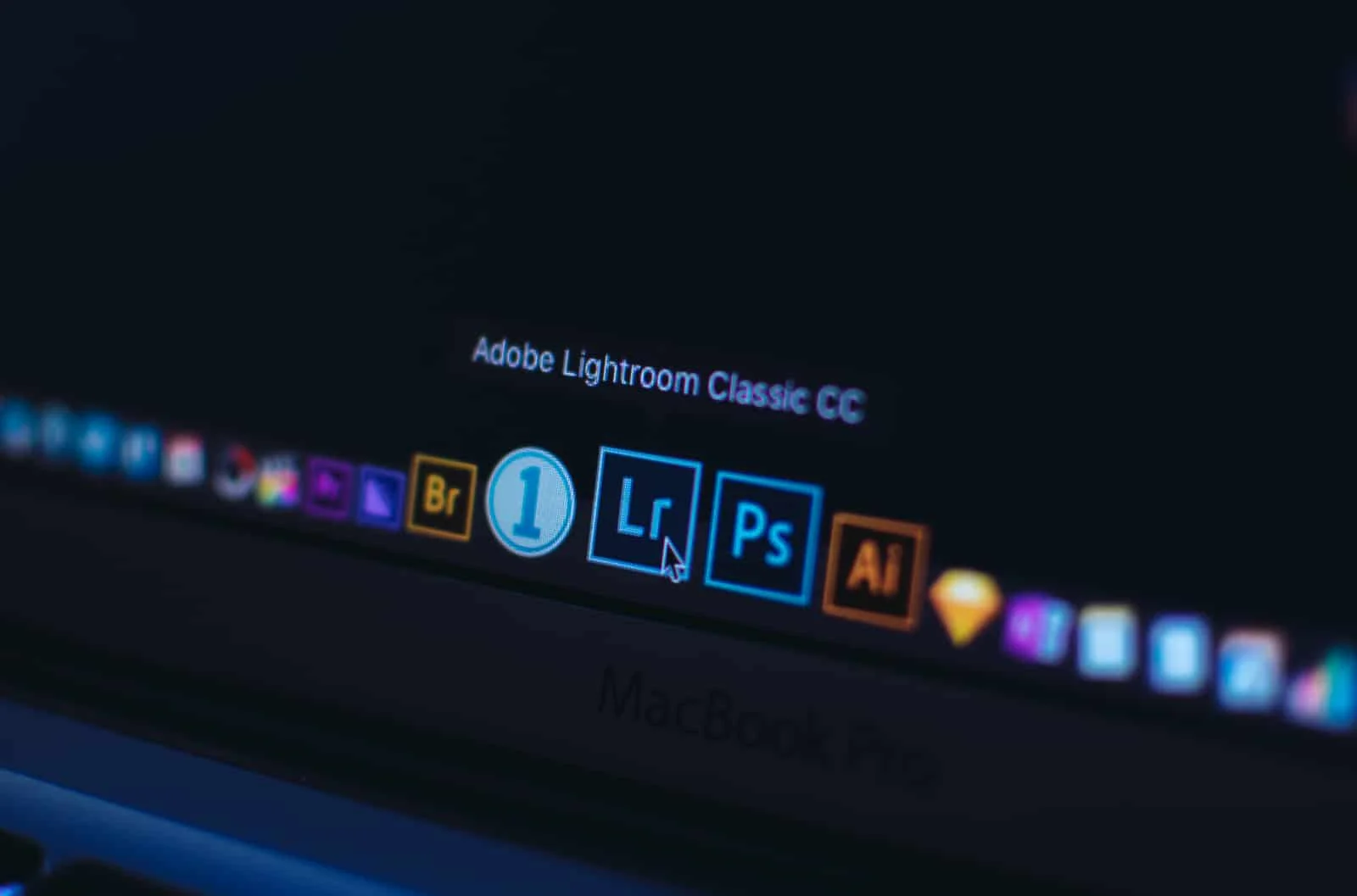
Here are the three unique ways to uninstall adobe Lightroom on mac. 1) Using Built-In Installer 2) Using Application Folder 3) Using Terminal

Here is the easiest method to update iPhoto on mac. Open iPhoto application and choose iPhoto. Now, click on Preferences and go to General.
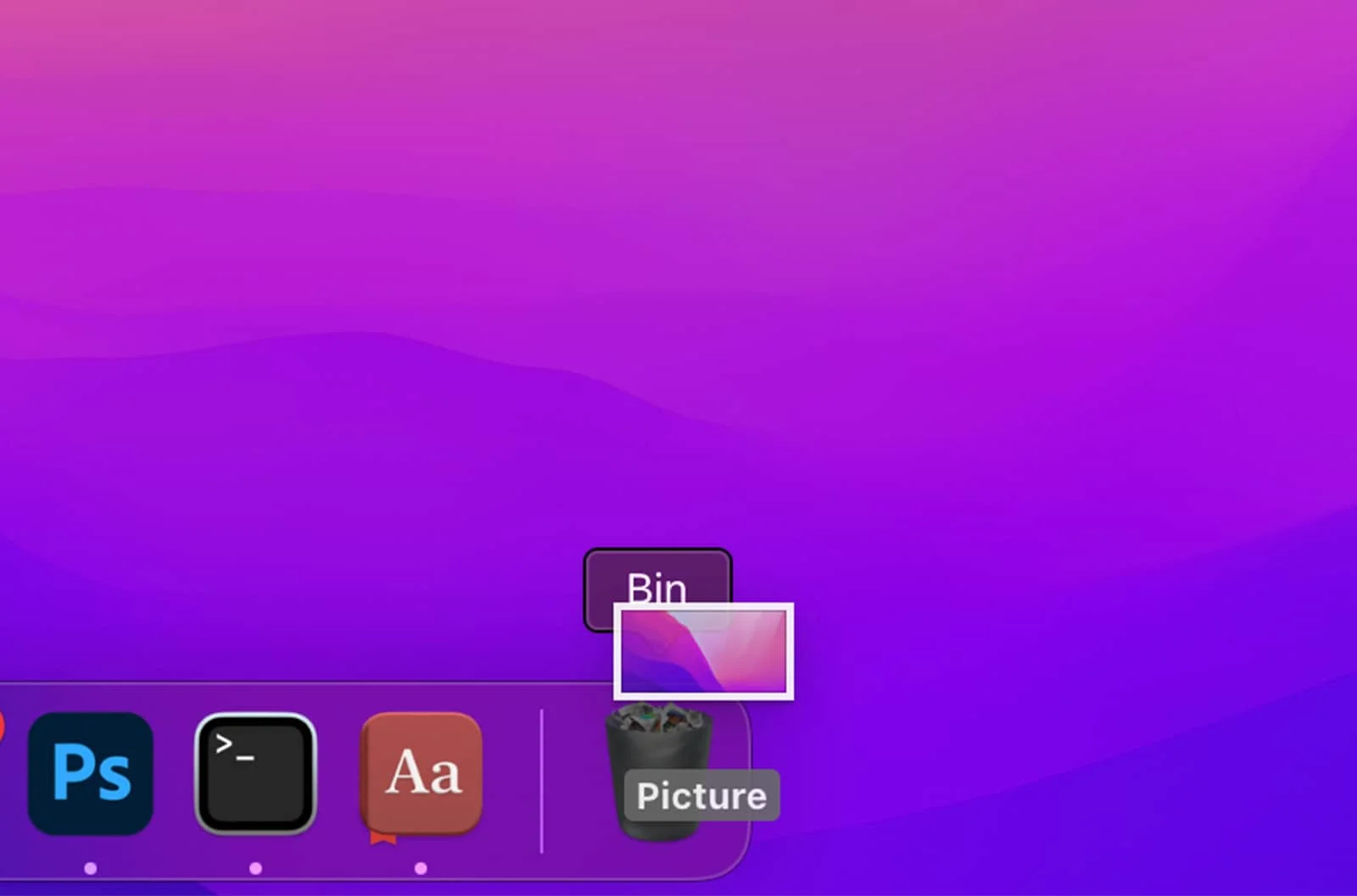
Here is the easiest method to delete desktop Pictures on mac. You can also delete the default desktop pictures on mac using the terminal.
Here are two different ways to open CHM Files on Mac. 1) Use CHM Reader 2) Use CHM to PDF converter to convert CHM files to PDF files
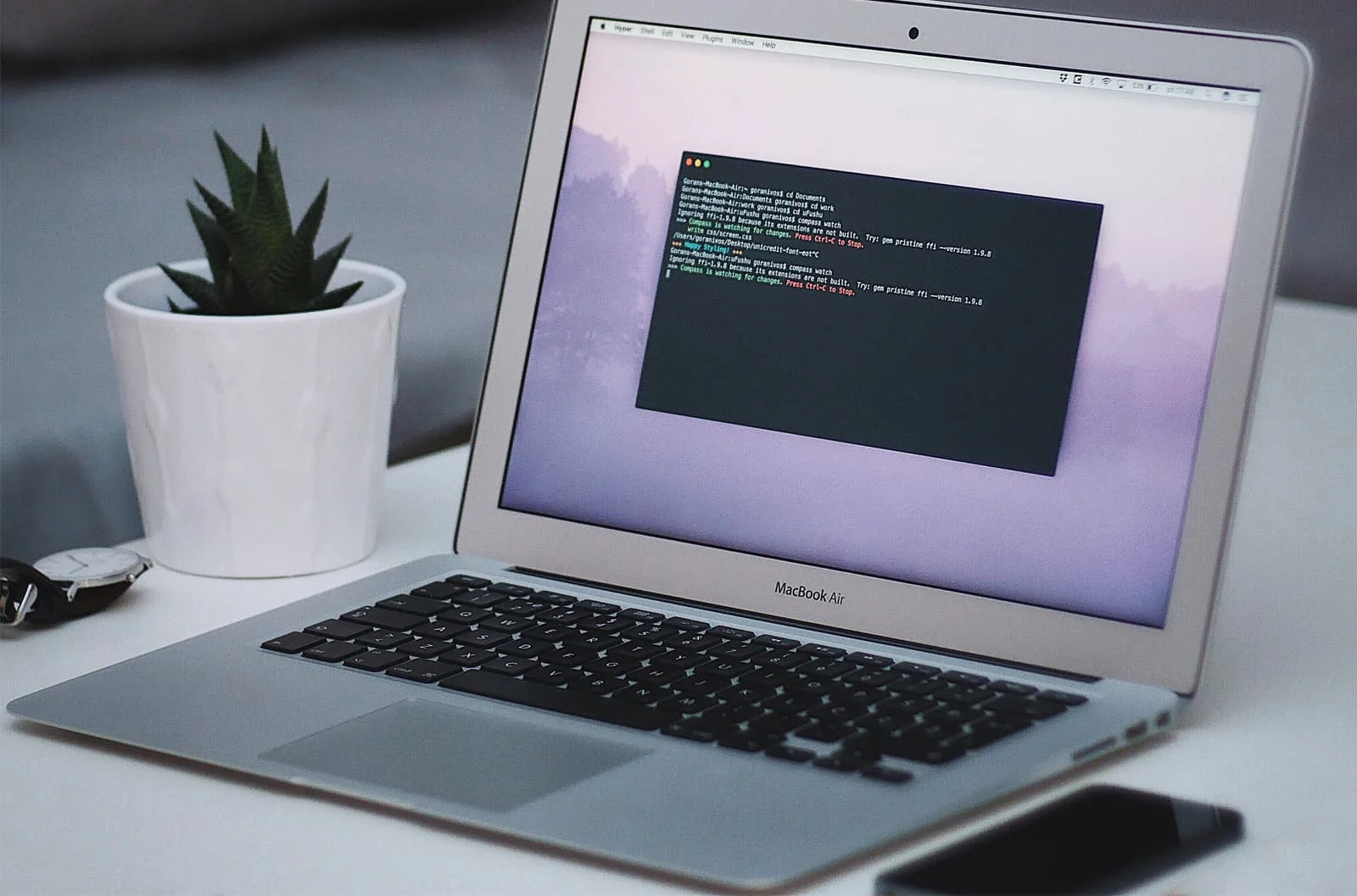
Here's a simplest command to clear terminal screen on mac. Hit the Command + option + K to clear the terminal screen.

Here's how to Unblock Websites on Mac Terminal. Open Terminal and run this command sudo nano /etc/hosts. Fill the Password and edit host file

Some easy ways to open WPD File on Mac. 1) Using Gmail 2) Using Microsoft Word 3) Using LibreOffice 4) Using TextEdit 5) Using Cisdem
Level up your mailing game this year by skipping the handwriting part and switching to making print mailing labels on Mac. This might sound surprising at

However, when it comes to Mac, there is no native way to play FLV files on mac. So, what’s the solution? Well, in this guide, we will walk you through several
Here's an easy method to merge Partitions on mac. In Disk Utility, select show all devices. Now, select disk whose partition you want to merge.

Here are the 5 different and easy ways to Type Exponents on mac. 1) Character Viewer 2) Native Mac Programs 3) Keyboard Shortcuts and more.
Here is a simplest and easiest way to connect Samsung Earbuds to Mac. Turn on the Bluetooth of mac and connect them from available devices.
In system preferences, launch Time Machine and uncheck the box "Back up Automatically" to turn off time machine on mac.
Here are different ways to convert and open RTF file on mac. 1) Convert RTF file to PDF using adobe acrobat 2) Convert RTF to DOCX
Here are some third-party apps that you can use to open SIT file on mac. 1) Smith Micro StuffIt Expander 3) Incredible Bee archiver 5) iArchiver
Apple Mac doesn’t support PST files. Thus, it is difficult to open PST file on mac a PST when you don’t know how to go about it. But, we assure you by the end
Here is the simple method to print test page on mac. Before that make sure your printer is connected to mac and it is not showing any error.
Firstly launch the Mac Terminal and than rename File or Folder in Mac Terminal using the MV command as mv OldName NewName
Steps to show macintosh HD in Finder and Desktop 1) Click Finder and select Preferences 2) Select Sidebar and mark the Hard Disks Option.
Here's are some easy and quick methods to uninstall TeamViewer on Mac. 1) Use TeamViewer Uninstaller 2) Use Terminal to Uninstall TeamViewer.
The most convenient way to play WMA files on mac is to use a third-party software. Try using VLC Media Player or Cisdem Video Player.
You can use these methods to open MSG Files on mac. 1) Outlook Web App 2) Mozilla SeaMonkey 3) MSG Viewer 4) MSG Converter
These are three methods to disable macbook keyboard. 1) Use Karabiner-Elements 2) Use terminal to disable keyboard 3) Use Mouse Keys
So, if you’re looking to delete stickies on Mac, then worry not because the method is quite simple with straight-forward instructions. In this guide, we will
How to create a new user on mac without admin password. 1) Shut down you Mac 2) Get into Recovery Mode 3) Remove .applesetupdone

To change Wi-Fi Password on mac. Go to Network Preferences and select Advanced. Choose the Wi-Fi network that you want to change password
Here are the ways to add folder to Favorites on mac. 1) Using the Finder Manu. 2) Using Drag & Drop method. You can also change the views in thee Finder.
There are two methods to type Trademark Symbol on mac. 1) using the mac character viewer. 2) using the mac keyboard shortcuts
To stop dictionary from popping up on mac. Select Trackpad in system preferences. Select point & Click and uncheck Look up & data detectors box.
To open MSI file on mac, find the MSI file using Finder in Mac. Right click on it and click Extract it using KEKA File Archiver.
To get rid of sidebar on mac, open the Finder and select "View" option in the menu bar. Now, select the "hide Sidebar" option to hide it.
The easiest method to open MBOX file on mac is to it by Text Editor. You can also open them by converting them to PST format.
Mds_stores Process Consuming High CPU On Mac because it is indexing the data in background. Try these 5 methods to fix this.
There are multiple reasons that why macbook pro speakers so quiet. Try one by one all and you will surely be able to fix it.
To cancel update on mac. Go to System Preferences and select Software Update. Now, Select Uncheck Automatically Updates.
How to Turn On Airplane Mode On Mac. Turn off Wifi, Bluetooth and location services from settings to enable airplane mode on mac.
How to download OSU! on mac. Visit the link and download the file. Unzip it and install the game. The OSU is successfully installed.
Here's an easy step to disable spaces on mac. In the system preferences, go to Mission Control and uncheck all boxes.

How to delete Photos from mac but not icloud. In System Preferences click on Apple ID. Select icloud and uncheck Photos App.

However, in many circumstances, you may have to sign out of iTunes on iPhone and Mac. So in this guide, we will talk you through how you can sign out of
Are you no longer interested in keeping Smite on your PC? Find out how to uninstall Smite from Windows and Mac within few steps.
Can’t figure out how to uninstall Cinema 4D on Mac perfectly? Let’s find out the complete uninstallation process of the application.

NetBeans can consume a lot of space on your hard drive and make your laptop slow. Let’s find out how to uninstall NetBeans on Mac.
Are you not used to the mouse acceleration feature in Mac or does it bother you while gaming? Here’s how to disable mouse acceleration on Mac.

Want to know how to play Roblox on MacBook Air and how to troubleshoot the Roblox crashing issue? Here’s everything you need to know
Screenshots can take up a lot of space on your hard disk and slow down your laptop. So, here's a method on how to delete screenshots on mac.
How to print in Black and White on Mac. Use the Preview and MS word method to do this. Also, you can print PDFs in Black and white on mac.
The easiest way to lock and unlock keyboard on mac at any time is to use third-party apps like Karabiner-Elements and Keyboard Locker.
Here are the different ways to disconnect iPhone from Mac? 1) Using System Preferences. 2) Using Finder 3) Using Dock
Are your printing documents turning out to be less refined than what you hoped for? Let’s find out how to change printer settings on mac
Music Creation is a useful tool but deleting it isn’t so common. Let’s discover how to delete Music Creation from Mac here.
How to Find Usb Connected Devices on mac. Use Finder to find connected devices or use the terminal utility to know which devices are connected
Want to know how to change screen timeout on Mac? This detailed article will tell you everything you need to know.
There are multiple methods to solve the error "sorry no manipulations with clipboard allowed". Method 1: Restart your MacBook. Method 2: