Latest in How-To
How-To | Guides on Windows, Mac, Social Media Apps, and Web.

How-To | Guides on Windows, Mac, Social Media Apps, and Web.

How to Delete QuickTime Player History on Mac. 1) Launch QuickTime 2) Select File > Recents 3) Click on Clear Menu to delete History.

Here's how to enable Bonjour on Mac, Choose Printer Sharing or Scanner Sharing in system preferences. Now, select device to share bonjour

Discover how to run apps as an administrator on Mac to access root privileges and perform critical tasks. Running an app as an administrator will allow the

Press the "F8" key to hide the cursor on mac . You might have to press Fn + F8 depending on your mac settings.

There are three ways to open .lnk files on mac. Use the TextEdit app or you can use Third-party apps to open lnk files on mac.

Here is how you can change Date and time on Mac using Terminal. Launch Mac Terminal and type sudo systemsetup -setusingnetworktime off

Here are the there ways to extract EXE files on mac. 1) Use WinBottler 2) Use KEKA File Archiver 3) Use Parallels for Desktop
Here's how you can disable adobe genuine software integrity service on mac. Go to finder and in applications click on adobe

To run bat file on mac, Firstly, Make the bat file on mac using terminal and then run it using the terminal or you can also use Winbottler.

Well, in such a scenario, worry not because in this blog, we will cover a detailed guide on how to open TIF files on Mac. On top of that, we will also discuss

Get to know how to make google chrome transparent in windows 10. 1) Try Google Themes. 2) Use Glass2k Software
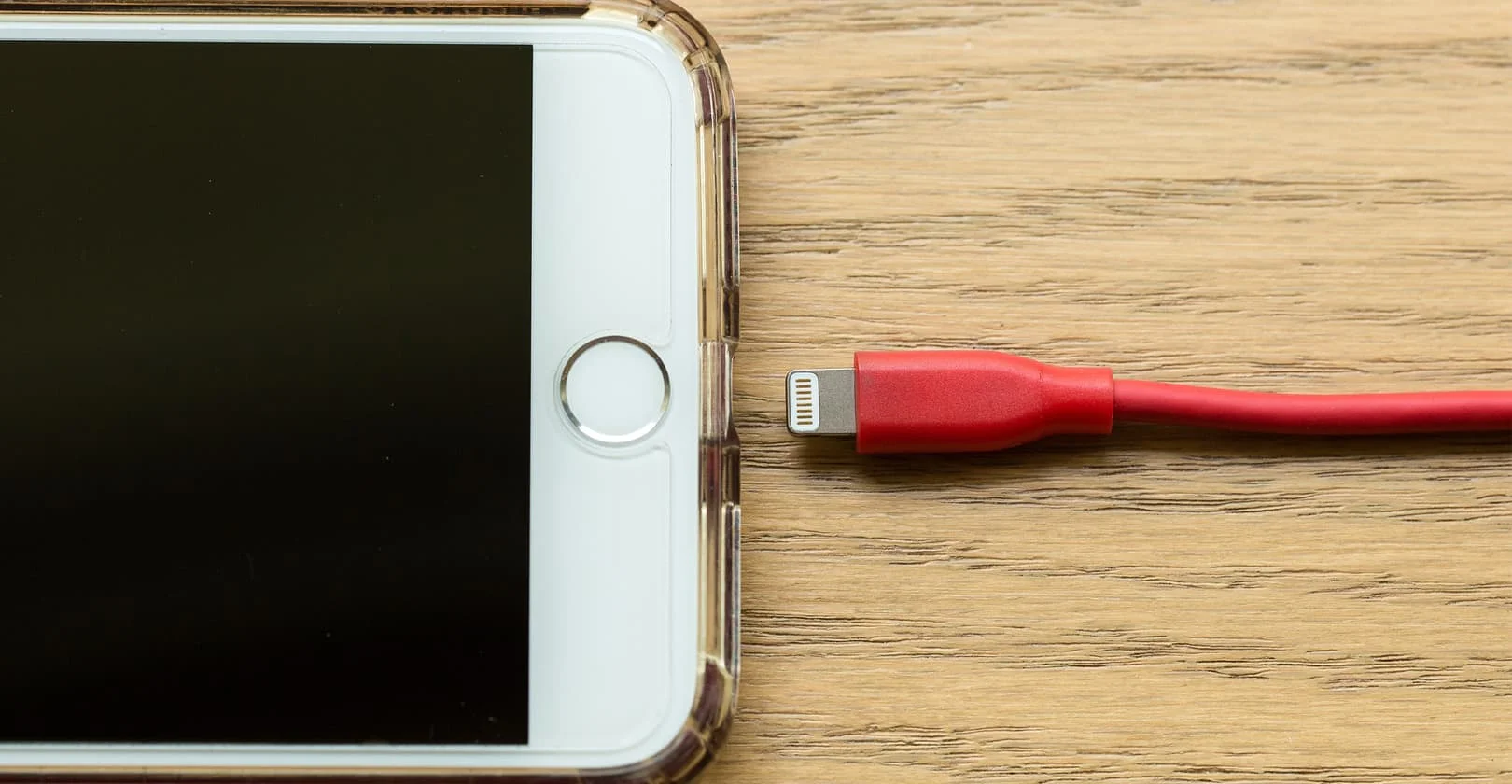
From cleaning your charging port to hard resetting your iPhone, in this guide, we will go over different ways to fix iPhone charging port not working.
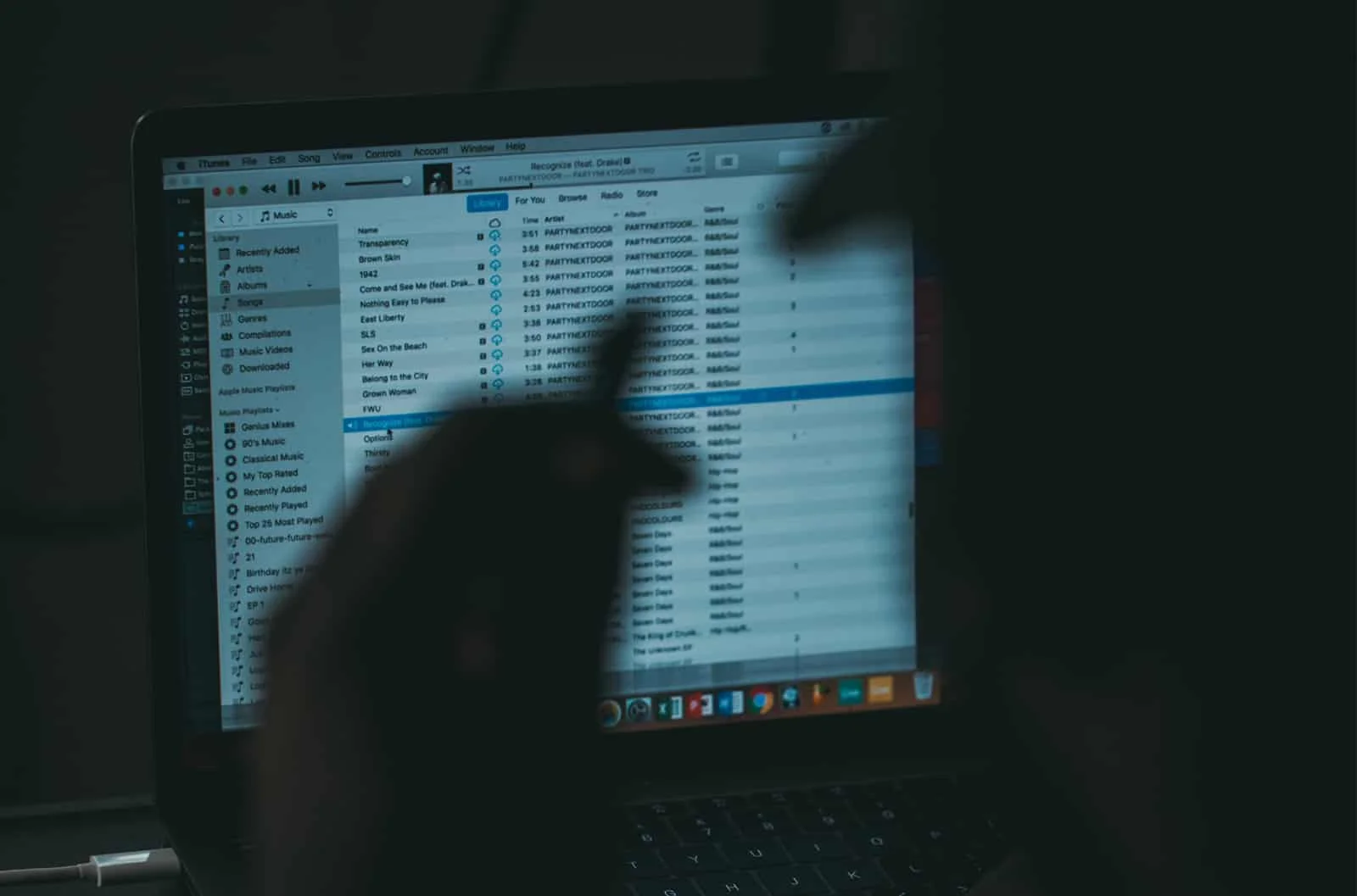
Here's the Easiest Method to Delete Songs on iTunes Mac. Also learn how to reset iTunes on Mac and sync your iPhone with Mac.

Check out two different and easiest methods to delete FaceTime Calls on Mac. Also, you can turn off FaceTime or change settings on Mac.
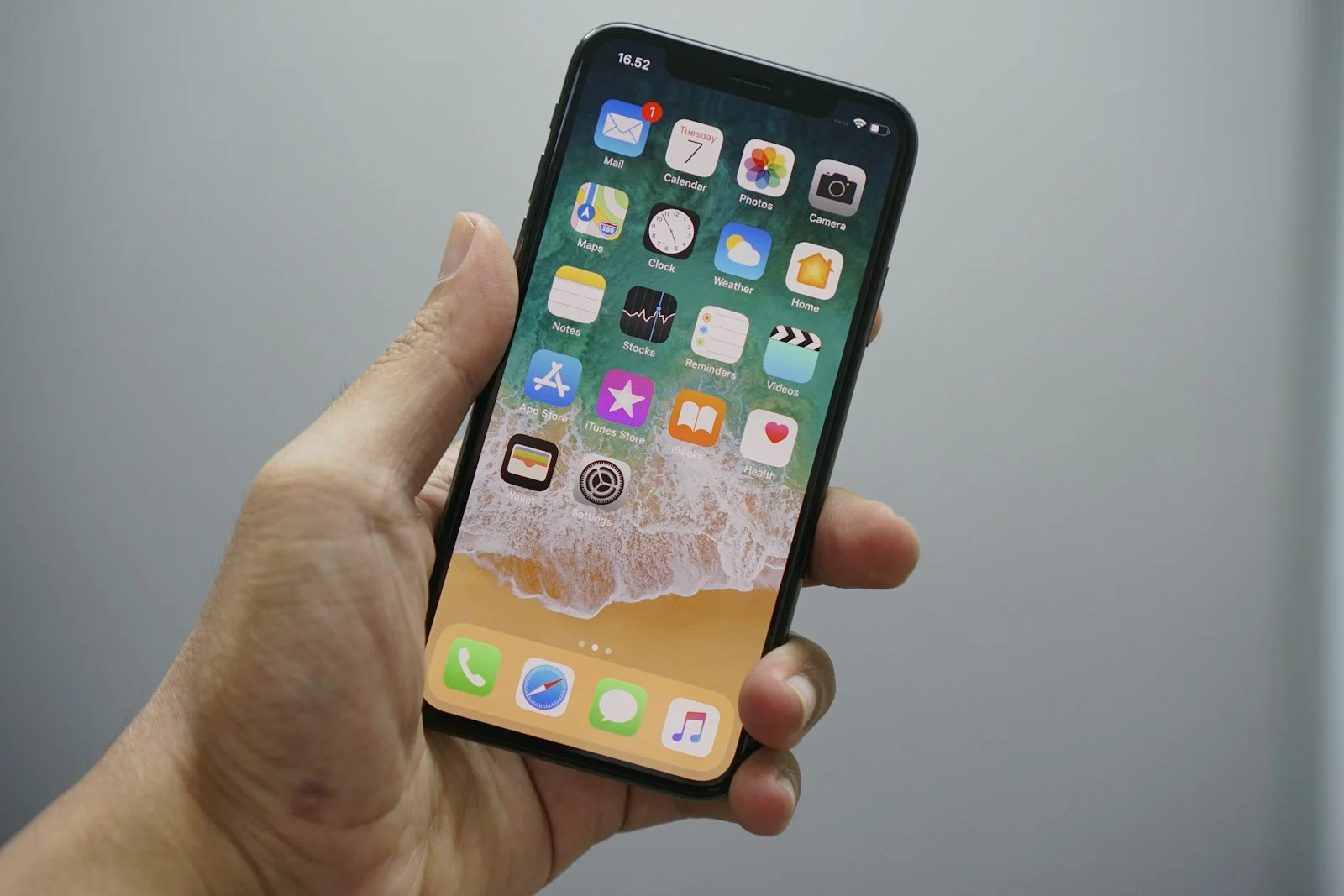
Let’s first discover how to update photo library on Mac, and then move on to why you should do so. We will also talk about some incredibly amazing tips to

Why you should turn on FileVault Disk Encryption in mac. Read the Pros and Cons and learn how it protects your sensitive data.

Here's how you can uninstall Turbotax on mac 1) Uninstall it Manually 2) Uninstall it Using Third-Party Application.
Here is how you can view iPhone photos on mac without importing them using iCloud. You have to enable iCloud photos on both iphone and mac.
To clear clipboard on mac paste this command "pbcopy < /dev/null" in the Terminal. Restarting your Mac will also clear the clipboard.
There are some third-party tools available that can bypass DRM protection and allow Mac users to download Disney Plus movies on Mac. In this article, we will
To italicize on Mac, Select the words in your document and press the Command + I. You can also try Markdown or HTML methods to italicize on Mac
There are different ways and third-party software to open OLM file on Mac. Rather than attempting to directly open an OLM file, a more practical approach
Closing GarageBand on your Mac is essential to free up system resources. After completing your music project, press Command + Q to close GarageBand on Mac. If
This guide will teach you how to show seconds on Mac clock. Also, you'll learn how to change the time format on Mac and put a clock widget in the Notification
Have you used stickers on your Mac as an art lover or as a mark of identification, and now you want to remove stickers from Mac? Here's how to do that.
Text formatting is essential when organizing or editing text files or documents, and using Strikethrough on Mac to format text on applications like Microsoft
How to add frequently visited sites on Mac. Follow the article to add websites in the favourite section of your browser.
Here's How to reset terminal on mac. Open the terminal and select Hard Reset under the Shell option from the top menu of the desktop.
What is Flash Storage on Mac? To know the different aspects of flash storage, you can follow this guide.
If you're using Zoom for video and audio calls and want to mute Zoom on Mac to listen voice of some other app then you can follow this guide. Zoom provides