A laptop for music production has a tougher job than most. It has to run a digital audio workstation, stack dozens of tracks and plugins, stream large sample libraries and do it all with low latency and no clicks or dropouts. This guide explains which specifications really matter, how to prioritise them for your budget and what to check before you buy.
What Matters Most in a Music Production Laptop
Processor (CPU)
The processor does most of the heavy lifting in a music session. Every synth, effect and mixer channel adds load, and real-time audio cannot wait. Look for a modern chip with strong single-core performance, because many DAWs process a single track chain on one core, plus enough cores to spread larger projects. Four performance cores is a sensible minimum; six to eight or more gives comfortable headroom for orchestral templates, heavy mastering chains and virtual instruments.
Memory (RAM)
RAM decides how many sample-based instruments and plugins you can load at once. Sixteen gigabytes is a realistic starting point for most producers. If you work with large orchestral libraries, multi-sampled pianos or drum kits, 32 GB or more will save you from constant freezing and bouncing.
Storage
Fast solid-state storage is essential. An NVMe SSD loads projects quickly and streams samples from disk without hiccups. Aim for at least 1 TB internally, as sample libraries grow fast. Many producers keep the operating system and DAW on the internal drive and store libraries on a fast external SSD connected over USB-C or Thunderbolt, which is a cost-effective way to expand.
Display
You will spend hours looking at arrange windows, piano rolls and mixer views, so screen real estate matters. A 14 to 16-inch display with a sharp resolution lets you see more tracks without endless scrolling. A matte or anti-glare finish is easier on the eyes in bright studios.
Ports and Connectivity
Think about everything you plan to plug in: an audio interface, a MIDI keyboard, controllers, external drives and perhaps a second monitor. USB-C or Thunderbolt ports offer high bandwidth and work well with modern interfaces and docks. A couple of USB-A ports remain handy for older gear and dongles. If you have fewer ports than devices, budget for a quality powered hub or dock rather than relying on cheap adapters.
Audio Latency and Drivers
Low latency lets you record and play virtual instruments without a noticeable delay. Most of this comes down to your audio interface and its drivers, but the laptop plays a part too. Some machines suffer from background processes or power-saving features that cause audio dropouts.
Battery Life
If you produce on the go, in the studio, on a train or at a mate's place, battery life is worth weighing up. Efficient processors can run a full session for hours, but heavy projects will drain any battery faster. For live performance, always plan to run on mains power when possible.
Build Quality and Fan Noise
Fan noise matters more for music producers than for almost anyone else. A loud fan will bleed into microphone recordings and distract you while mixing. Look for laptops with efficient cooling, or those known to stay quiet under sustained load.
How to Choose for Your Budget
On a tighter budget, put your money into the processor and RAM first, then accept a smaller internal SSD and add an external drive later. In the mid-range, aim for a balanced machine with a strong CPU, 16 to 32 GB of RAM and 1 TB of storage. At the top end, prioritise quiet cooling, more memory and plenty of high-speed ports so the laptop can grow with your studio. Whatever you spend, leave some budget for a decent audio interface and headphones or monitors, as they shape what you hear far more than the laptop does.
Quick Buying Checklist
- A modern processor with strong single-core speed and at least four performance cores
- 16 GB of RAM as a minimum, 32 GB or more for large sample libraries
- An NVMe SSD of 1 TB or more, with room for external storage
- A 14 to 16-inch screen with good resolution and an anti-glare finish
- USB-C or Thunderbolt ports for your interface, drives and docks
- Quiet cooling under sustained load
- Compatibility with your preferred DAW and plugins
- Enough memory and storage for future needs, as some laptops cannot be upgraded
Frequently Asked Questions
Is a Mac or Windows laptop better for music production?
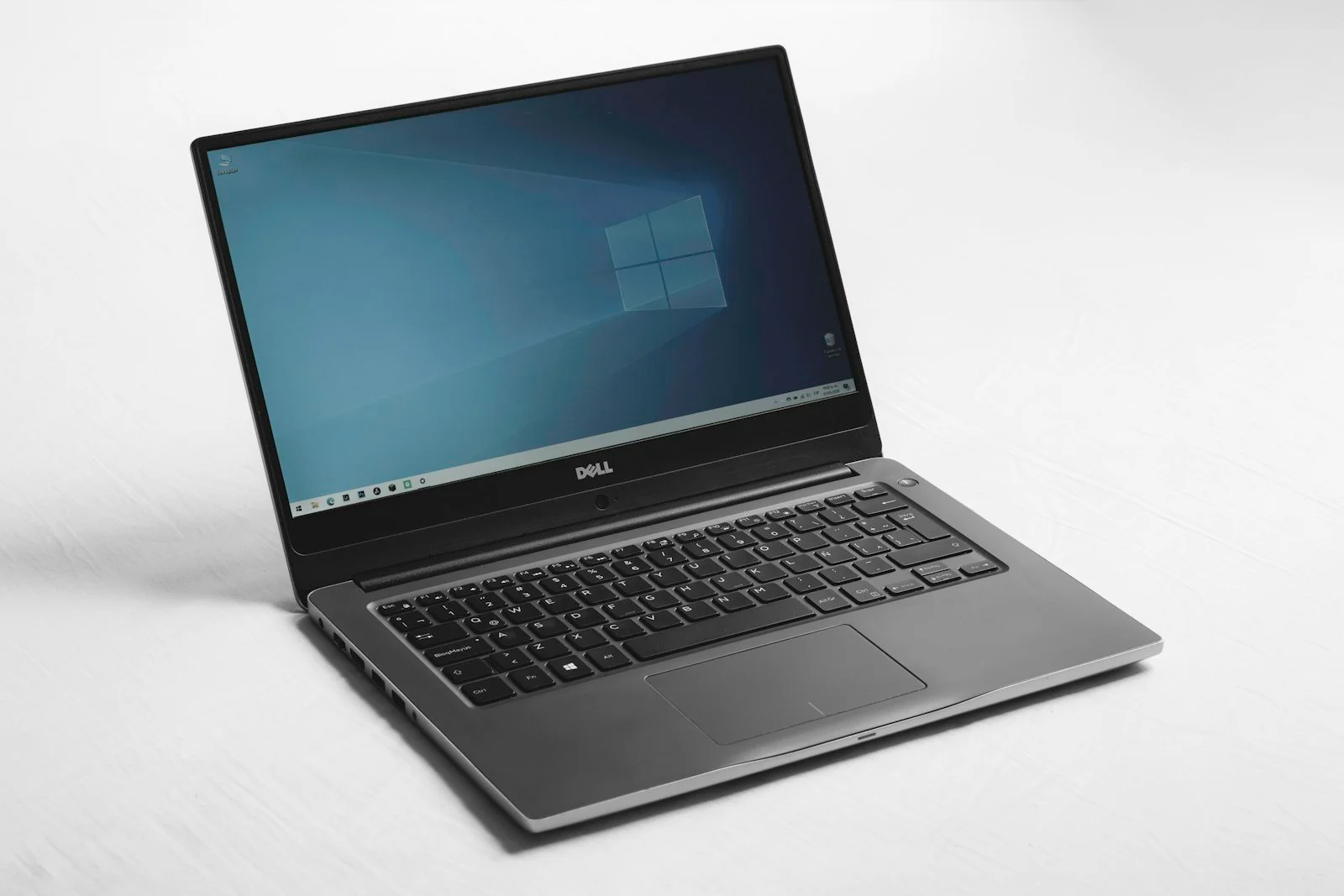
Both work well. The right choice depends on the DAW and plugins you prefer, the software you already own and the audio interface you plan to use. Check that everything in your workflow supports the operating system before you commit.
Do I need a dedicated graphics card for music production?
Generally, no. Audio processing relies on the CPU, RAM and storage. Integrated graphics are fine for most producers, and skipping a powerful graphics card can mean a quieter, cooler laptop with better battery life.
Can I use a gaming laptop for music production?
You can, as many gaming laptops have powerful processors and plenty of RAM. The main drawbacks are fan noise and weight. If you choose one, look for a model that offers a quiet or balanced fan mode and check how it behaves under long, steady workloads.